

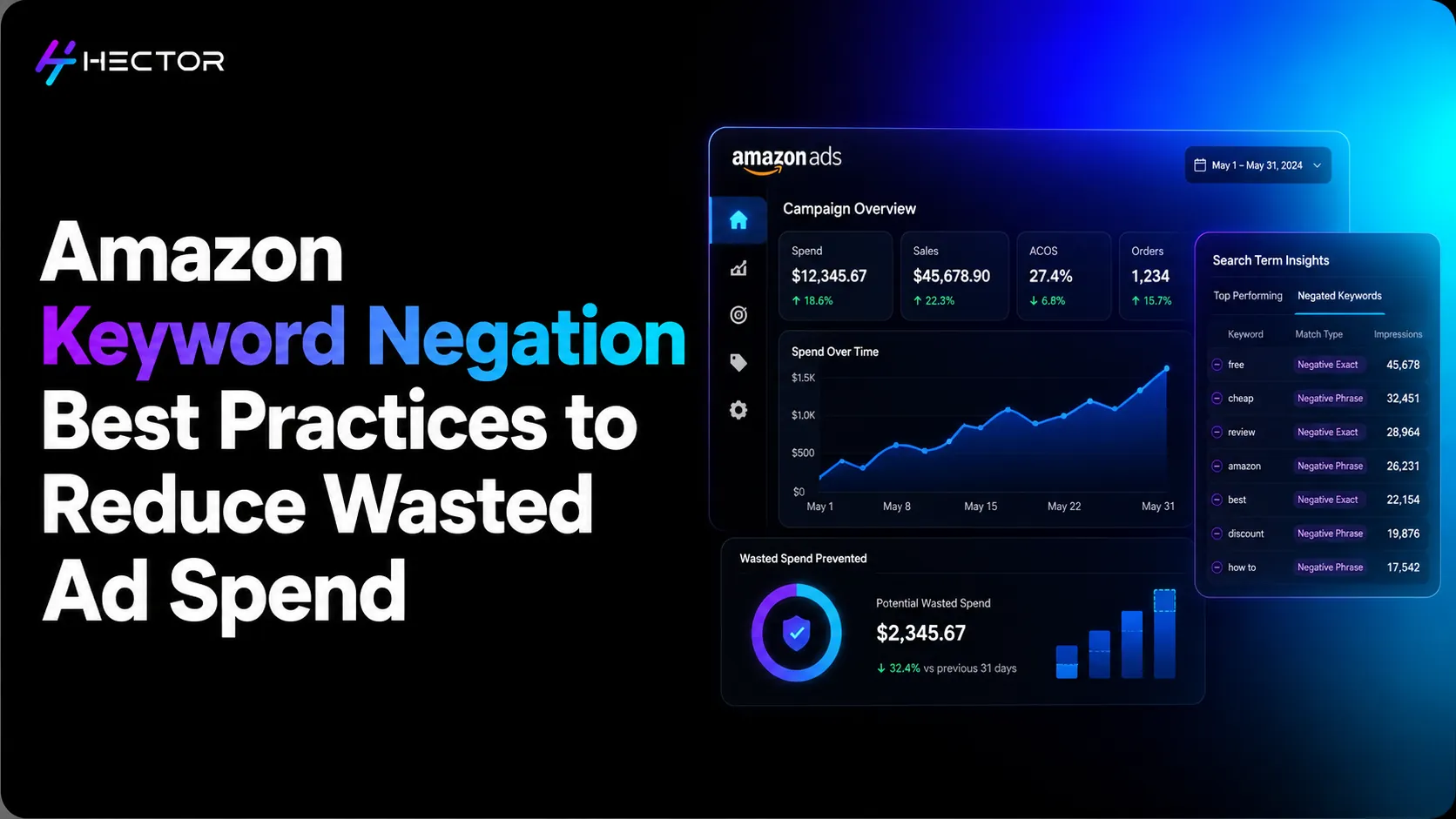
Open your Sponsored Products search term report for the last 30 days and sort by spend, high to low.
Scroll down past the first 10 rows: the known performers you're happy with. Keep scrolling. At some point, you'll find them: the terms that spent $8, $12, $24 with zero conversions. The shopper who searched 'kids water bottle' when you sell stainless steel insulated flasks for adults. The 'water bottle holder for bike' search that somehow triggered your general keywords. The competitor's brand name that your broad-match campaign accidentally matched to.
Every one of those clicks was paid for. None of them was going to convert.
This is what unmanaged keyword targeting costs: not in one catastrophic moment, but in dozens of small drains that compound quietly into hundreds of dollars per month in wasted advertising budget. Negative keywords are the valve that stops the drain. Structured Amazon Sponsored Ads campaigns paired with negative keyword discipline are what separate efficient accounts from ones that bleed budget quietly every month.
Based on Hector AI's internal analysis of Amazon advertising accounts in 2025, campaigns without structured negative keyword management showed higher levels of wasted advertising spend on low-relevance or non-converting traffic during their first 30 days. Methodology available on request. Reducing this waste allows more budget to be redirected toward search terms that are more likely to convert.
This guide covers exactly how negative keywords work, how to find the terms you need to negate, where to place them for maximum effect, and how to build a review system that doesn't rely on a human opening a spreadsheet every week.
What Negative Keywords Actually Do: And Why They Matter
The Mechanics: How a Negative Keyword Blocks a Search Term
A negative keyword tells Amazon's advertising system not to serve your ad for shopper search queries that match the negative keyword according to the selected negative match type (Negative Exact or Negative Phrase). When a search query matches the negative rule, your ad isn't eligible to enter the auction for that query, helping prevent spend on traffic that's unlikely to convert.
This is precisely the outcome you want when the shopper's query is irrelevant. If you sell a premium adult stainless steel water bottle at $35 and someone searches 'cheap kids water bottle', that shopper's purchase intent doesn't match your product. Even if they clicked, they wouldn't buy. The negative keyword prevents you from entering that auction, paying for the click, and collecting a zero-conversion data point that raises your ACoS.
The Cost of Running Without Them
Amazon's auto campaigns and broad-match manual campaigns are intentionally designed to cast a wide net. Auto campaigns match your ads to any search Amazon's algorithm considers relevant, which, early in a campaign's life, includes searches you'd never approve manually. Broad match keywords allow your ads to appear for shopper searches that Amazon determines are relevant to your keyword. These may include variations, related terms, synonyms, and other contextually relevant searches, not just queries containing your keyword's words in any order.
Without negative keywords, these wide-net targeting approaches fund an enormous amount of low-intent, irrelevant, and simply wrong traffic. The search term report shows the results. High-spend, zero-conversion terms aren't anomalies: they're a predictable feature of any campaign running without systematic negation.
Negative Exact vs Negative Phrase: The Match Type That Changes Everything
Amazon offers two negative match types: negative exact and negative phrase. Understanding the difference is fundamental to building a negotiation strategy that stops what you want to stop without blocking legitimate traffic.
Negative Exact: Precision Blocking
Negative Phrase: Pattern Blocking
Finding Terms to Negate: The Search Term Report Is Your Starting Point
How to Pull and Read Your Search Term Report
In Campaign Manager, navigate to: Reports → Advertising Reports → Search Term. Select your date range (minimum 14 days for meaningful data; 30 days preferred), download the report, and open it. You're looking at every search query that triggered your ads, including the spend, clicks, impressions, conversions, and ACoS attributed to each query.
The column that matters most for negation: spend with zero orders. Sort the report by spend, descending, then filter for rows with zero conversions. Every term on that filtered list is a negation candidate: the question is whether it's permanently irrelevant or simply hasn't converted yet due to low data volume.
The Five Categories of Terms That Always Need Negating
Five categories of search terms are almost always worth negating immediately, regardless of spend or data volume:
The Conversion-Rate Threshold for Negating Borderline Terms
Not every zero-conversion term is worth negating. A term that has spent $3 and received 5 clicks over 30 days hasn't generated enough data to make a confident negation decision. There is no universal spend threshold for deciding when to negate a search term. Instead, evaluate performance based on your category economics, average CPC, conversion rate, target ACoS, and typical cost per acquisition. A search term that performs poorly in one account may still be profitable in another. Review search term performance in the context of your business goals before deciding whether to reduce bids, continue testing, or add the term as a negative keyword.
For terms with one or two conversions but an ACoS significantly above your ceiling (say, 200% of your target), the decision is judgment-based: is this a term worth testing further at a lower bid, or a fundamentally poor fit? If the search query reading reveals a misaligned buyer intent (the term is adjacent but not directly relevant to your product), negate it. If it's a legitimate term that's just not converting yet on low data, reduce the bid rather than negating.
The Negation Architecture: Where to Place Your Negative Keywords
Where you place a negative keyword determines how broadly it applies to your advertising. Choosing the right placement level is as important as choosing the right term.
Campaign-Level Negatives vs Ad-Group-Level Negatives
Campaign-level negative keywords apply to every ad group within that campaign. They're the right level for:
• Competitor brand names: irrelevant across all targeting in the campaign
• Unrelated product category terms: irrelevant to all products in the campaign
• Intent-based modifiers (free, cheap, DIY): universally low-conversion across all targeting
Ad-group-level negative keywords apply only to one specific ad group. They're the right level for:
• Harvested exact-match terms being promoted from an auto ad group to a manual ad group within the same campaign
• Product-specific exclusions where one ad group's product doesn't fit a term that another ad group's product might
The practical guidance: default to campaign-level for universal exclusions, use ad-group-level only for the harvesting use case, and specific product-level exclusions.
Negating Harvested Terms from Auto Campaigns
When you harvest a converting search term from an auto campaign and add it to an exact-match manual campaign, the next step, which many sellers skip, is adding that same term as a negative exact at the ad-group level in your auto campaign.
Without this step, your auto campaign may continue serving ads for the same search query after you've added it to an exact-match manual campaign. As a result, both campaigns can become eligible for the same shopper search, creating overlapping targeting that may reduce traffic control, make performance attribution less clear, and decrease budget allocation efficiency. Adding the harvested term as a negative exact keyword in the originating auto campaign helps direct traffic to the intended manual campaign and supports cleaner campaign management.
Building a Shared Negative Keyword List Across Campaigns
Shared negative keyword lists are available in certain Amazon advertising campaign types and advertising consoles. Availability may vary depending on the ad type, campaign type, and marketplace. Where supported, shared lists can help advertisers apply common negative keywords, such as competitor brand terms, unrelated categories, or low-intent modifiers, across multiple campaigns more efficiently.
Instead of adding 'cheap', 'free', 'DIY', and 15 competitor brand names to every campaign individually, you create one shared list and attach it to all relevant campaigns. When a new competitor enters your category, or you identify a new universal exclusion, you update one list rather than 10 campaigns. Brands running Amazon DSP alongside Sponsored Products can apply the same exclusion logic to programmatic audiences, creating a unified negative strategy across both paid search and display. Scale is the argument for shared lists.
Your First Negation Session: A Step-by-Step Process
If you've never done a structured negative keyword review, your first session will likely recover more budget than any other single advertising action you can take in the same time. Here's the process:
Why Manual Negative Keyword Management Breaks at Scale
The Review Cadence Problem
A seller with three Sponsored Products campaigns and 150 active keywords can do a thorough negative keyword review in 30–45 minutes every two weeks. This is manageable. The process stays current. Budget waste is caught before it compounds.
A seller with 25 campaigns, 1,200 active keywords, and auto campaigns running across a 50-ASIN catalogue has a fundamentally different problem. The search term report for that account generates thousands of rows every 14 days. A comprehensive review takes 3–5 hours, and by the time it's done, the first campaigns reviewed are already 5 days stale.
Most sellers in this situation don't complete the review. They spot-check the highest-spend campaigns and leave the rest. The unchecked campaigns continue accumulating waste. The gap between what's happening and what you know is happening grows every week.
The Cumulative Cost of Lag: What a Missed Week Actually Costs
A campaign spending $80 per day that allocates a portion of its budget to low-performing or irrelevant clicks may benefit from regular negative keyword reviews. Identifying and excluding search terms that consistently fail to meet performance goals can help redirect advertising spend toward more relevant shopper searches. The potential savings will vary depending on campaign performance, traffic quality, CPCs, and optimization decisions. This example is illustrative and based on the assumed waste rate.
Across larger advertising portfolios, even small improvements in budget efficiency can add up over time. As campaign volume and complexity increase, manually reviewing search-term reports across multiple campaigns can become increasingly time-consuming. Automation can streamline this process by evaluating search-term performance more consistently and supporting timely optimization decisions.
How Automation Closes the Negation Gap
Automated Negation Rules: How They Work
Automated negation rules monitor your search term performance data continuously and apply negations based on the conditions you define, without requiring a human to open a spreadsheet.
A typical negation rule: 'Add the harvested search term as a negative keyword at the level that best aligns with your campaign structure and management strategy. Depending on how your campaigns are organized, advertisers may choose to apply the negative keyword at the campaign or ad group level to achieve the desired level of traffic control.'
More sophisticated rules layer additional conditions:
• If a search term converts at ACoS above 2× target ACoS over 30 days → reduce visibility (lower auto campaign bid for that term) before full negation
• If a harvested term exists in an exact-match manual campaign → automatically add it as a negative exact in the originating auto campaign ad group
• Certain modifiers may justify immediate exclusion when they clearly indicate irrelevant traffic. For example, search terms unrelated to your product, brand, or target audience may not require additional performance data before being excluded. In other cases, review search term performance before deciding whether to add a negative keyword
The Combined Effect: Automated Negatives + Automated Bid Rules
Negative keyword automation and bid automation solve different parts of the same problem. Negatives remove irrelevant traffic. Bid rules optimise performance on remaining traffic. Together, they create a continuously self-improving campaign structure that doesn't depend on weekly human intervention to function at its best.