

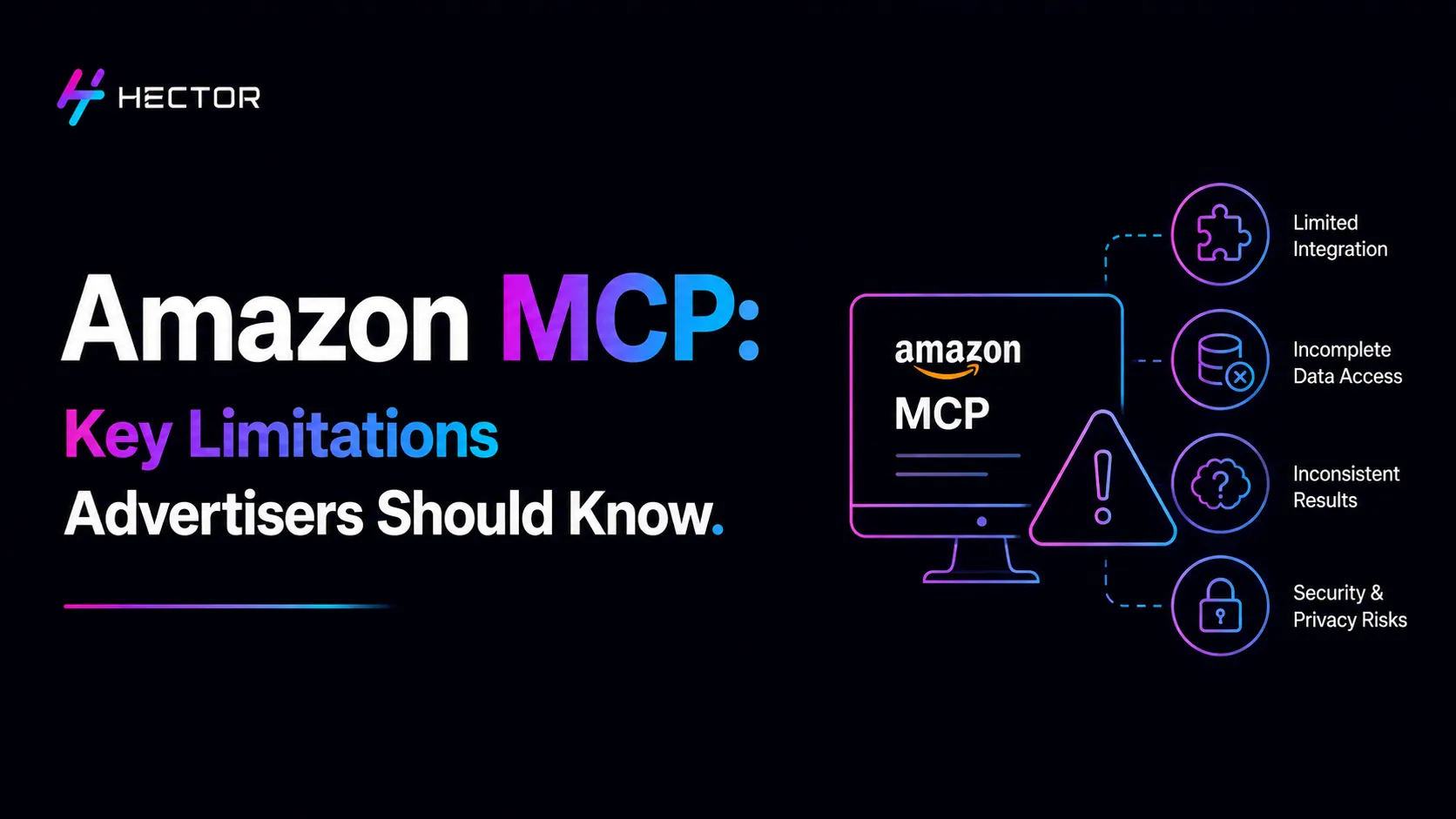
You have probably heard that Amazon Ads MCP Server lets your AI tool plug directly into your ad account and use natural-language instructions to interact with supported campaign-management capabilities. You type what you want, and the AI handles it: no more manual bid adjustments, no more spreadsheets at midnight.
And that part is real. Where advertisers may need more context is what happens after the connection: how reporting works, what access is required, and which capabilities are actually exposed. The limitations that the product launches and the explainer articles don't spend much time on.
Not because the limitations are a secret. Just because limitations are not great marketing copy.
This guide is for advertisers and teams evaluating whether the Amazon Ads MCP Server fits their workflows, whether or not they have technical resources in-house. Specifically: what Amazon Ads MCP Server genuinely does well, where it genuinely falls short, and what to expect when your AI asks Amazon's system a question and then has to wait around for the answer.
What Amazon Ads MCP Server Actually Is: in Plain Terms
Amazon Ads MCP Server (Model Context Protocol) is a technical standard that lets AI systems connect to external tools and data sources. Amazon Ads provides an MCP Server that exposes supported Amazon Ads API capabilities to compatible MCP clients.
Think of it as a standardised plug. Before MCP, every AI tool needed a custom integration to connect to Amazon's ad system. MCP provides a standardised way for compatible AI clients to interact with external tools. Compatible MCP clients can connect after the required Amazon Ads API authentication, authorization, and server configuration are completed.
What the connection can actually do depends on the capabilities exposed by the Amazon Ads MCP Server, the underlying API, the client's implementation, and the permissions available to the account. That is where the limitations come in.
Limitation 1: Reporting Is Not Real-Time: It Asks You to Wait
The Pizza Tracker Problem: You Submitted a Request, Now Sit Tight
When you order food online, submitting the order is instant. Getting the food is not. The kitchen needs time. The driver needs time. You sit there watching the tracker move through stages: received, preparing, on its way.
Amazon Ads MCP Server reporting works the same way. When you ask the AI a performance question: "Which keywords wasted money this week?" or "What's my real ROAS right now?"The request goes to Amazon's asynchronous reporting system. This system queues your request, processes it in the background, and sends the data back when it is ready.
Processing time varies by report and Amazon Ads' reporting infrastructure. Amazon does not guarantee a standard 5-to-10-minute or 10-to-30-minute completion window.
This is not a flaw in the AI. It is the way Amazon's reporting infrastructure works. The MCP Server uses Amazon Ads reporting workflows, so reporting requests remain subject to the processing model and constraints of those underlying APIs.
What 10 to 30 Minutes Actually Looks Like in a Live Session
Imagine asking your accountant a question, only to find that the answer has to be processed before it can be retrieved. That is closer to how Amazon Ads reporting works through MCP. Fine once or twice. Frustrating if you are trying to make a fast decision mid-campaign.
In practice, the Amazon Ads MCP Server supports both campaign-management actions and performance-reporting workflows. Reporting usually requires an asynchronous request-and-retrieval process, while management actions follow their relevant API workflows. Supported campaign-management actions do not require the asynchronous reporting workflow, but completion time still depends on API processing, validation, permissions, and rate limits. Asking what your ROAS was last Tuesday? That is going to take a while.
If you were expecting a dashboard-like account experience through natural language, this distinction will matter. If you mainly want to use AI for execution: multiple campaign-management changes, campaign launches, bid adjustments, the async delay barely affects you.
Limitation 2: Amazon Ads MCP Server Has Tools, But No Resources Layer
What 'Tools Only' Means and Why It Matters
MCP has two ways to make data available to an AI: tools (things the AI can do) and resources (data the AI can browse). Amazon's MCP Server gives the AI tools only.
Here is the fridge analogy. A tool is like a recipe the AI can follow step by step: bake a campaign, launch a bid change. A resource is like being able to open the fridge and look at what's inside: browsing your campaign data freely, exploring account structure and reading performance history at will.
The distinction matters because the server exposes Amazon Ads capabilities through specific tools rather than providing a general-purpose, dashboard-style resource that an AI can freely browse.
What You Cannot Simply Ask It to Retrieve
Without a resources layer, some questions that feel simple are actually not possible the way you expect. The AI does not receive a dashboard-style view of your account that it can freely browse. Instead, it must use the relevant Amazon Ads API capability to retrieve the information it needs. It needs to use the relevant API operation, with asynchronous processing applied where the requested workflow is report-based.
This matters most for exploratory questions. If you know exactly what you want to retrieve, the tools handle it. If you want the AI to browse around and spot something you have not thought to ask about, the architecture does not support that yet.
Limitation 3: Getting Connected Takes Real Technical Work
What the Setup Actually Involves
Amazon Ads MCP Server is not a button you click in Seller Central. Connecting it requires existing Amazon Ads API credentials, which most sellers don't have on their own, plus the technical infrastructure to run or connect to an MCP Server.
The implementation can require developer effort for server configuration, API credential management, authentication, testing, security, and ongoing maintenance. That is not a weekend project. It covers server configuration, API credential management, testing, security review, and ongoing maintenance.
Hosted solutions exist: several organisations have built MCP implementations that remove the need for self-hosting, but they come with their own subscription costs, and even then, some API credential setup is typically required.
What Non-Technical Advertisers Should Expect
Think of it like building your own IKEA shelf from scratch: It is closer to configuring an existing technical system than clicking a single ‘Connect’ button.
If your team does not have a developer resource, the realistic options are: use a hosted MCP implementation with a managed setup, or work with a technical partner who has already built the integration.
For teams with a correctly configured client, natural-language campaign management can be simpler than the underlying technical setup required to establish the connection. That gap between the difficulty of connecting and the simplicity of using is the clearest quirk of MCP for non-technical advertisers.
Limitation 4: MCP cannot See Your Inventory, Margins, or Fees
The Blind Spot Problem: Great at Ads, Blind to the Business
The Amazon Ads MCP Server can access the Amazon Ads capabilities and data exposed through its supported API integrations. That does not automatically give it visibility into every operational or financial signal relevant to your business. Advertisers should not assume that the MCP connection provides complete visibility into inventory, product-level profitability, supplier costs, or every Amazon fee and business metric. Those signals may require additional data sources or integrations. The price your supplier just raised. The product is three days from a stockout.
Think of a chef who is brilliant at cooking but cannot see the menu, the fridge, or how much food is left. They will make decisions based on the information they have been given. They will not know that you are about to run out of the main ingredient until it is gone.
In advertising terms, if an AI workflow is optimising bids without access to current inventory signals, it could increase advertising on a product that is approaching a stockout. It has no signal that anything is wrong, because that signal lives outside the ad account.
Why This Matters When a Product Is About to Stock Out
If you have ever discovered that you spent the last week aggressively advertising a product that then went out of stock, you know the specific frustration of having ads run without inventory context.
MCP does not solve this problem. Because it can simplify supported execution workflows, an AI system may make changes more efficiently than a manual process.
The practical solution is to provide the AI workflow with the additional business context it needs, either through separate integrations or manual controls. The fix is to connect it to a broader system that carries inventory and margin data, or to manually pause advertising on products where you know a stockout is approaching.
What Disappears and Why It Matters for Seasonal Planning
For most weekly and monthly optimisation, 95 days is enough. The gap becomes relevant for seasonal analysis: if you want to compare this year's Q4 performance to last year's, or look at how a campaign performed across an annual cycle, you cannot do that through MCP alone.
Data from before the retention window needs to live somewhere else: your own data warehouse, an analytics platform, or Amazon's Brand Analytics, before you can include it in any AI-driven analysis. MCP can query what Amazon still holds. Everything before that needs to have been captured separately.
What This Means for Non-Technical Advertisers
The Realistic Picture Before Connecting
If you are a seller or marketing manager considering MCP because you want to manage your campaigns through plain-English instructions, the limitations above do not necessarily make it the wrong choice. They make it a more specific one.
MCP is genuinely powerful for execution: launching campaigns, making multiple campaign-management changes, and adjusting bids across hundreds of keywords in seconds. It is not a substitute for a live analytics dashboard when the workflow depends on asynchronous reporting, because report results are not returned synchronously.
The non-technical reality is also this: connecting without developer support is difficult. Using it once connected, through a well-built interface, is not.
Where MCP Earns Its Place Despite the Limitations
The limitations above are real. They are also a specific list, not a reason to write MCP off. The better question is not simply whether the Amazon Ads MCP Server has limitations, but whether its supported capabilities and requirements match the workflows you want to build. The right frame is 'do MCP's limitations affect the specific things I want to use it for?'
For advertisers whose use cases align with the supported Amazon Ads API capabilities, MCP can enable campaign management, multiple campaign-management changes, and other workflows through natural-language interfaces. This works best when paired with structured Sponsored Ads automation that maintains consistent campaign performance alongside MCP-driven execution. The limitations hit hardest for teams expecting a live analytics experience or building autonomous decision-making on top of MCP without additional data sources.
Platforms such as Hector Ai can build additional layers around the Amazon Ads MCP connection, combining advertising capabilities with other business signals such as inventory, margin, and AMC data. Amazon Marketing Cloud provides the attribution and audience data layer that fills the analytical gaps MCP alone cannot cover. The MCP standard provides the connection. What sits around it determines whether that connection is genuinely useful for your full business context.