

Here is a scenario that happens more often than any seller wants to admit. A shipment arrives at an Amazon fulfilment centre. Amazon scans the barcodes. Something does not match: maybe the manufacturer's barcode was on the outside of a product that needed an FNSKU, or the FNSKU label was printed too small to scan reliably, or the label was placed over a seam and partially peeled off in transit. Amazon flags the units. They go into stranded inventory. The listing pauses.
Meanwhile, advertising performance can be affected when the listing becomes unavailable. Amazon may reduce or stop ad delivery depending on the listing's availability and eligibility. The campaign burns money for days before anyone notices. By the time the situation is resolved: a removal order, relabelling, resubmission: the campaign has spent hundreds of dollars on zero-conversion traffic, and the ranking signals have taken a hit.
All of it traced back to a label. Specifically, to a missing or incorrect FNSKU label.
An FNSKU: Fulfillment Network Stock Keeping Unit: is the barcode Amazon generates for each of your FBA product listings. It is the code that connects a physical unit sitting in an Amazon warehouse to your specific Seller Central account. Understanding what it is, how to generate it correctly, and how to apply it without errors is one of the most operationally consequential things a new FBA seller learns. The consequences of getting it wrong compound quickly, especially once advertising spend is in the picture.
In Hector Ai's analysis of 4,200+ FBA seller accounts in 2025, brands that activated Amazon Ads within 60 days of their first FBA listing generated 3.1x higher GMV in year one compared to sellers who relied on organic traffic alone (Hector Ai Internal Data, 2025). That kind of compound performance advantage starts with getting the basics right, and FNSKU labelling is one of the basics that costs sellers the most when it goes wrong.
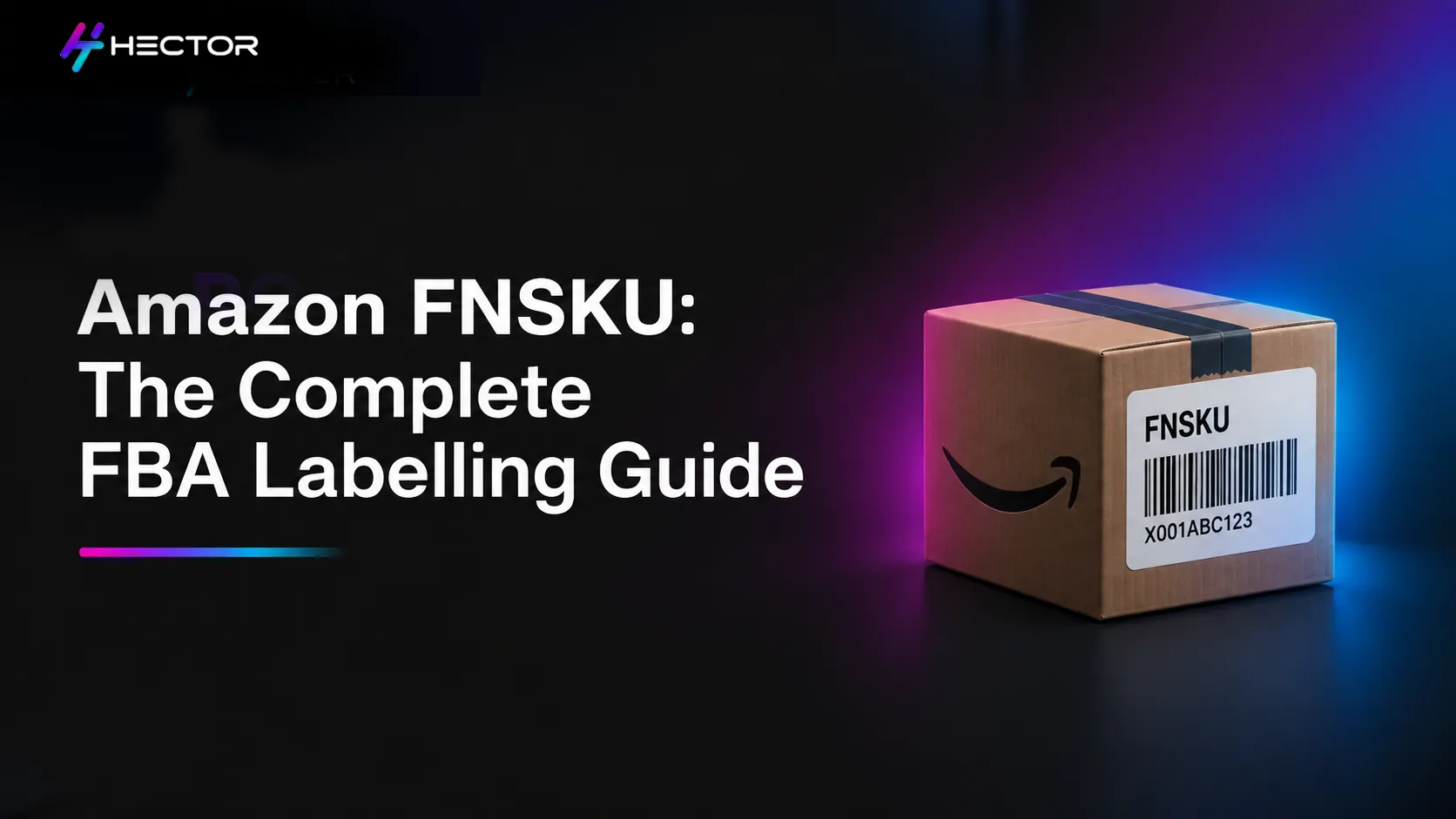
An FNSKU is a unique identifier: a barcode that Amazon's fulfilment network uses to track your specific inventory. When you create an FBA listing in Seller Central, Amazon generates an FNSKU for that listing. FNSKUs are Amazon-generated alphanumeric identifiers. Many begin with “X00”, but sellers should not treat this as a required format because formats can vary. Every unit using Amazon barcode tracking must carry the correct FNSKU label. Products enrolled in Amazon's virtual tracking program may instead use the manufacturer's barcode. When Amazon receives your shipment, their system scans each unit's FNSKU and matches it to your account, your listing, and the specific inbound shipment you created in Seller Central. That's how Amazon knows the unit belongs to you: not to another seller who might be selling the same product. Amazon runs a shared fulfilment network. Inventory from thousands of sellers passes through the same warehouses, the same conveyor belts, the same scanning systems every day. Without a seller-specific identifier on each unit, Amazon would have no way to know, at the unit level, whose inventory is whose when a unit gets picked for an order. The FNSKU solves this. It is seller-specific, listing-specific, and account-specific. Two sellers selling the same product will have different FNSKUs because the FNSKU is not a product identifier: it is a relationship identifier between a product, an account, and a listing. New sellers frequently confuse FNSKU, ASIN, and UPC because all three are codes that relate to a product. They serve completely different purposes. The most common labelling mistake is sending products to Amazon with only the manufacturer's barcode (UPC or EAN) visible, without covering it with an FNSKU label. If a product is intended to use an Amazon barcode but is incorrectly labelled, Amazon may be unable to receive it correctly and may relabel it, delay receiving, or flag it for corrective action. Inventory is not automatically routed into commingled inventory. This matters most for private label brands and sellers in categories where commingling creates quality control or authenticity concerns. Incorrect labelling can lead to receiving errors, inventory discrepancies, or fulfilment issues. Avoid claiming Amazon assigns inventory to another seller's listing as a normal outcome. Commingling (also called stickerless inventory) means opting out of seller-labelled inventory and allowing Amazon to mix your units with other sellers' units of the same product in the shared fulfilment pool. When a customer orders, Amazon picks the nearest available unit, regardless of which seller sent it. The operational appeal is clear: no labels to print, no prep step, units can go straight to Amazon. The trade-off is that you have no control over which physical unit a customer receives. If another seller's commingled units are lower quality, counterfeit, or damaged, a customer might receive one of their units and leave a negative review on your listing. Most private-label brands choose Amazon barcode (seller-labelled) inventory to maintain inventory traceability and avoid virtual tracking where eligible. The reason is simple: if your product has a registered brand and unique packaging, no other seller should be selling the same product from the same pool. Commingling only makes sense when the product is truly identical to other sellers' inventory, which is typically only the case for commodity resellers selling unbranded or generic items. Generating FNSKU labels is straightforward in Seller Central. Here is the standard process: Go to Inventory → Manage FBA Inventory in Seller Central. Locate the ASIN you want to label. In the action dropdown, select 'Print Item Labels'. Choose the label format. Amazon provides label templates compatible with standard Avery label sheets (most commonly used is the 30-labels-per-sheet format, Avery 5160 or equivalent). Enter the number of labels you need: this should match the number of units in your inbound shipment for that ASIN. Print the labels clearly and ensure the barcode remains fully scannable. Amazon does not require laser printers, provided the barcode quality meets its specifications. Apply labels to each unit before sending the shipment. If the manufacturer's barcode (UPC/EAN) is visible anywhere on the product, cover it completely with the FNSKU label. Amazon's label specifications are precise. Deviating from them is one of the most common causes of warehouse rejection. When Amazon cannot read or match an FNSKU label on a unit, the unit goes into a flagged status and will not be fulfilled. In Seller Central, this shows up as stranded inventory: units that are physically in a warehouse but not available for sale. Amazon's standard response is one of three outcomes: relabelling (Amazon offers a paid FBA Label Service where available. Fees vary by marketplace and are subject to change, so avoid quoting fixed ranges unless sourced from current Amazon fee schedules), or a disposal order if the issue cannot be resolved. The units are not worth the return fee. All three options cost money and delay revenue. The scenario from the opening of this article, a Sponsored Products campaign continuing to spend on a paused listing, is not a fringe case. It is one of the more consistent patterns in FBA advertising: a listing gets stranded, advertising keeps running, and advertising performance can be affected while a listing is unavailable, although Amazon may limit or stop ad serving depending on the listing's status and eligibility. In Hector Ai's account analysis, campaigns without structured inventory monitoring rules that pause advertising automatically when a listing goes out of stock or are stranded wasted on average 23% of daily ad budget on non-purchasable impressions during the affected period (Hector Ai Internal Data, 2025). Automation platforms may integrate inventory signals with advertising workflows where supported. Amazon Sponsored Ads itself does not provide native bid rules that automatically pause campaigns because of FBA receiving issues. Still, they only work when the inventory situation is visible in real time, which it often isn't without active monitoring. For sellers shipping a small number of units, self-labelling is the practical choice. Print labels from Seller Central, apply them before boxing, and done. For sellers managing a high-SKU catalogue or working with manufacturers who ship directly to FBA, the decision is more complex. The most common labelling errors: wrong FNSKU applied to the wrong product, manufacturer barcode not covered, label placed on a curved surface, are almost all preventable with a simple pre-shipment checklist. The checklist doesn't need to be sophisticated; it needs to be followed every time.What an Amazon FNSKU Actually Is
The Definition in Plain Terms
Why Amazon Assigns a Unique FNSKU to Every FBA Listing
FNSKU vs ASIN vs UPC: The Three Identifiers Explained
What Each Identifier Does and When It Appears
Think of it this way: the UPC identifies the product in the world. The ASIN identifies the product page on Amazon. The FNSKU identifies your specific inventory in Amazon's warehouse.Why Confusing Them Causes Real Problems
Commingling vs Seller-Labelled Inventory: A Decision Every FBA Seller Needs to Make
What Commingling Is and How It Works
Why Most Private Label Brands Choose Seller-Labelled Inventory
How to Generate Your FNSKU Labels in Seller Central
Step-by-Step: Printing FNSKU Labels from Seller Central
FNSKU Label Specifications and Placement Rules
What Happens When FNSKU Labels Go Wrong
Stranded Inventory and Removal Orders
The Advertising Cost of a Labelling Error
Building a Labelling System That Scales
Prep Centre vs Self-Labelling: The Operational Trade-Off
Checklists and Automation That Prevent Recurring Errors
At scale, some warehouse management systems and third-party inventory tools can help validate shipment contents before dispatch. This is not a standard Amazon capability. The same tools that monitor inventory health, IPI scores, and sell-through rates are the operational layer Teams using Amazon MCP can query inventory and campaign status through natural language to catch labelling issues before they affect ad spend that makes labelling errors visible before they become stranded inventory problems. Brands using Amazon Marketing Cloud can connect inventory performance data with advertising attribution to understand the full revenue impact of labelling errors on campaign efficiency.