

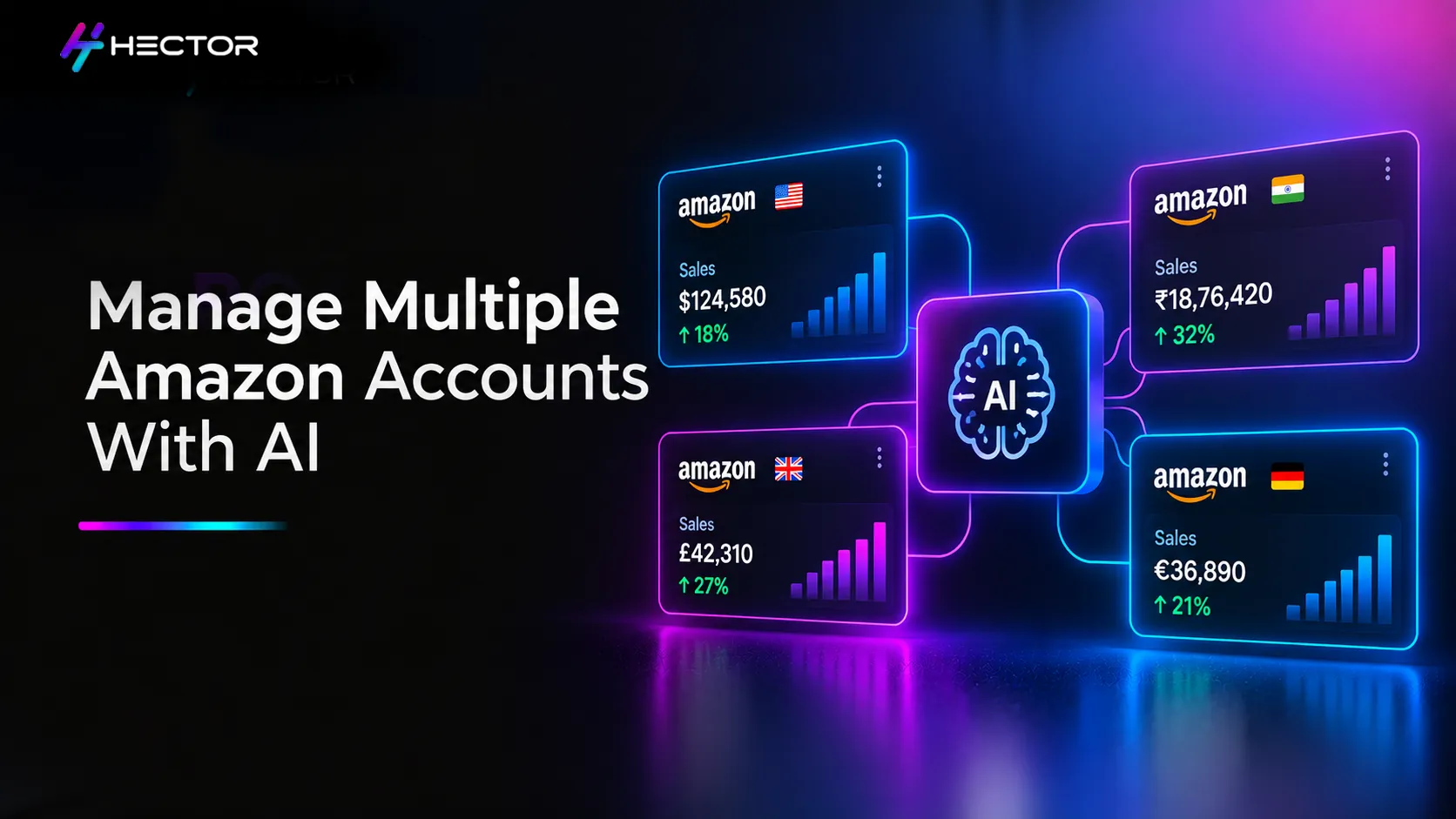
Monday morning at an Amazon advertising agency can become repetitive very quickly.
Check Client A.
Pull the numbers.
Check Client B.
Pull the same numbers.
Then Client C.
By the time you have worked through 20 or 30 advertiser accounts, a large part of the morning may have gone into retrieving and organizing data before anyone has actually analysed it.
Amazon Ads already provides Manager Account capabilities that make working across advertisers easier.
But there is another layer now becoming useful for agencies: connecting Amazon Ads workflows to AI assistants through Model Context Protocol, or MCP.
An Amazon Ads MCP integration can allow an AI assistant to retrieve supported advertising data and, where appropriate permissions and tools are available, perform campaign-management actions.
That changes the interface.
Instead of navigating through multiple screens to answer a question, an analyst could ask:
“Show me which of my connected advertiser accounts need attention based on the last seven days of performance.”
The integration handles the supported data retrieval. The analyst spends more time deciding what the numbers mean.
Managing one Amazon Ads account involves a lot of recurring work. Managing 30 involves the same work repeated 30 times. Agency teams regularly need to: Check spend and sales Review ACoS and ROAS Find campaigns running out of budget Review search-term performance Check bids Prepare weekly reports Identify performance changes Create or update campaigns Communicate findings to clients None of these tasks is unusual. The operational burden comes from repeating them across a large portfolio of advertisers. Manager Accounts, reporting APIs and agency platforms already help centralize parts of this process. An MCP integration adds a conversational layer. Instead of manually navigating to the required report, setting the filters, exporting it and reorganizing the data, an analyst can describe the outcome they need. For example: “For this advertiser, compare Sponsored Products performance for the last seven days with the previous seven days. Show me the five campaigns with the largest increase in spend and explain what changed.” The MCP server can translate that request into the supported Amazon Ads API operations and return the results to the AI assistant. That is where the time-saving comes from. The analyst's job moves further away from retrieving numbers and closer to interpreting them. This is where an important distinction needs to be made. There is no single universal “Amazon MCP” product that handles every advertiser account in the same way. MCP is a protocol that allows AI applications to connect with external tools and data. An Amazon Ads MCP implementation determines which Amazon Ads capabilities are exposed to the AI assistant. That can include things such as: Retrieving campaign performance Pulling reports Reviewing budgets Analysing search terms Changing bids Updating budgets Creating campaigns Creating audiences Performing other supported Amazon Ads actions Multi-account behaviour depends on how that MCP implementation has been built. For agencies, one useful implementation is advertiser-context switching. Think of it like working at a reception desk for a large office building. You stay at the same desk. But before handling a request, you confirm which company or office the request belongs to. An MCP workflow can operate similarly. The analyst might begin with: “Show me the advertiser accounts available through this connection and identify the advertiser currently selected.” Then: “Switch the active advertiser context to Client A and confirm the advertiser and marketplace.” Once confirmed, subsequent supported requests can be executed against that advertiser context. For another client: “Switch to Client B and confirm the account before continuing.” The analyst remains in the same AI interface. Whether the MCP implementation uses Amazon Ads profile IDs, advertiser identities, regional identifiers, or another account-selection mechanism depends on the API and integration architecture. The important operating principle for an agency is simpler: Always know which advertiser you are working on before you ask the system to do anything consequential. Not every MCP implementation requires manually switching from Client A to Client B. Some systems can orchestrate requests across multiple authorized advertiser accounts and consolidate the results. That could allow a request such as: “For all advertisers available through this integration, retrieve seven-day spend and ROAS, compare them with the previous period, and show me the accounts with the largest performance changes.” Behind the scenes, the system may need to make multiple advertiser-level API requests and consolidate the results. From the analyst's perspective, however, the output can appear as one portfolio view. Whether this is possible depends on: MCP server capabilities Amazon Ads API availability Advertiser permissions Number of accounts API limits Reporting availability The orchestration layer used by the platform So “one prompt across all clients” should be treated as an implementation capability, rather than an automatic feature of MCP itself. For agencies, account access is more important than the conversational interface. The AI should only be able to retrieve or modify advertiser data that the underlying integration is authorized to access. This requires proper separation of: Advertiser authorization User permissions Account context Authentication tokens Campaign actions Audit logs One common misconception is that every client must necessarily have a completely separate Client ID, Client Secret, refresh token and Profile ID. Amazon Ads API authentication does not work quite that simply. Client IDs and Client Secrets generally identify the API application. Advertiser authorization, tokens, permissions and advertiser/account identifiers determine which advertiser data and actions the application can access. The exact setup varies depending on whether the agency uses a managed platform, its own API application, or a self-hosted MCP implementation. The security objective is more important than prescribing one technical architecture. For every advertiser, an agency should be able to answer: Who has access? What can they access? What can they change? Which advertiser does an action belong to? Can that access be revoked cleanly? Can we see what changed and when? A well-designed agency implementation should follow principles such as least-privilege access, advertiser-level authorization, secure token handling and auditable account actions. If Client A leaves the agency, their authorization should be removable without unnecessarily disrupting Client B or Client C. That is the practical definition of account isolation. Amazon Ads Manager Account already solves an important part of multi-advertiser management. It gives agencies and advertisers a centralized way to navigate and manage linked advertiser accounts, access performance views, and manage users and permissions, with additional functionality depending on the account setup. An MCP integration solves a different problem. Manager Account helps organize access across advertisers within the Amazon Ads environment. An API/MCP integration can make supported data and actions available programmatically through an AI interface. The two can complement each other. But an MCP integration should not be described as simply sitting “on top” of Manager Account, and Manager Account is not necessarily a prerequisite for every possible MCP architecture. Reading data from the wrong advertiser is inconvenient. Changing the wrong advertiser's campaign is much more serious. Imagine an analyst wants to increase the campaign budget for Client A. The active advertiser context is Client B. A natural-language instruction, such as: “Increase the campaign budget to $500.”It is suddenly a risky instruction. This is why agency MCP workflows need strong controls around write actions. For consequential changes, a good workflow should clearly show: Advertiser Marketplace Campaign Current setting Proposed change Then, where the platform supports it, require explicit human confirmation before execution. For example: “For Client A, increase campaign X's daily budget from $300 to $500. Show me the advertiser, marketplace, campaign and proposed change before executing anything.” The system should present the proposed action. The analyst reviews it. Then confirms. This is especially useful for: Budget changes Bid changes Campaign creation Campaign pauses Keyword or target changes Negative keyword additions Audience creation Other actions that can materially affect spend or delivery MCP itself does not automatically provide this confirmation layer. It needs to be supported and configured by the AI application or the MCP implementation. For agencies, it is a sensible control to have. The exact capability depends on which Amazon Ads API operations the MCP server exposes. A well-developed implementation can potentially support workflows such as: The MCP server must expose the relevant API capability. The advertiser must have the required permissions. And Amazon Ads must make the underlying operation available through the relevant API. Platforms like Hector Ai are built around this architecture, combining MCP-powered natural language workflows with rule-based automation and AMC capabilities in a single agency-ready interface The real value becomes clearer when you look at day-to-day agency work. Instead of beginning with every client account individually, an agency can use a multi-account implementation to identify which accounts deserve attention first. Example prompt: “Across the advertiser accounts available through this integration, retrieve spend, attributed sales, ACoS and ROAS for the last seven days where supported. Compare with the previous seven days and show me the accounts with the largest performance changes.” The output can become the agency's morning priority list. Rather than giving every account equal attention, analysts can start with the ones showing meaningful changes. The exact cross-account workflow depends on whether the MCP implementation supports multi-advertiser orchestration. Once an advertiser is selected: Example prompt: “Use Client A. Compare the last seven days with the previous seven days. Show total spend, attributed sales, ACoS and ROAS. Then identify the five campaigns with the largest changes in spend and performance. Format the findings as a concise client-report summary.” This can reduce the mechanical work involved in collecting and organizing data. But the output should still be reviewed. Before sending anything to a client, validate: Advertiser Marketplace Date range Currency Attribution context Underlying numbers AI can prepare the report. The agency still owns the conclusion. An MCP integration can also support campaign creation when the appropriate Amazon Ads API capability is exposed. For example: “For Client A in the US marketplace, prepare a Sponsored Products automatic campaign for ASIN [B0XXXXX] with a daily budget of $40 and starting bid of $0.75. Show me the complete proposed campaign setup before creating it.” The system can prepare the campaign configuration. The analyst reviews: Advertiser Marketplace ASIN Campaign name Budget Bid Targeting Other applicable settings Then approves creation. For an agency, the review step is as important as the time saved. Suppose a successful US campaign needs a corresponding UK campaign. The analyst could ask: “Use Client A's US campaign [Campaign Name] as a reference for preparing a UK campaign. Identify the settings that can be carried over and flag anything that needs marketplace-specific review. Do not create the campaign until I approve it.” This is more accurate than simply saying “copy my US campaign to the UK.” Marketplace expansion can require validation of: Product eligibility ASIN availability Currency Budgets Bids Targeting Campaign settings Marketplace-specific conditions MCP can reduce the repetitive setup. It should not remove the marketplace review. The biggest mistake an agency can make is assuming that because an AI assistant can execute a campaign action, it should also make the underlying business decision. There are several areas where human judgment remains important. An AI assistant can analyse the data it has access to and suggest possible actions. But it may not know: Client margin targets Inventory constraints Upcoming launches Retail negotiations Brand positioning Offline activity Internal business priorities Why was the campaign structured a certain way The data may suggest increasing spend. The client may be running out of stock next week. Context changes the decision. AI can draft a weekly performance summary. The account manager still needs to understand what matters to the client. A 20% decline in ROAS may be a serious issue for one client and an intentional acquisition trade-off for another. High-impact campaign changes should follow the agency's approval process. A technically valid API action is not automatically a strategically correct action. An Amazon Ads-only MCP integration is limited to the data and operations made available through the connected Amazon Ads APIs and other explicitly connected sources. It should not automatically be assumed to know: Competitor sales Competitor profitability Internal client margins Offline sales Inventory held outside connected systems Client strategy documents External market research If an AI environment connects additional authorized data sources, it may be able to combine that context. That is a broader AI integration architecture. It is not inherent to Amazon Ads MCP itself. This distinction is important. MCP is a protocol. It provides a standardized way for AI applications to connect with tools and data. The AI application determines what happens next. An MCP-powered Amazon Ads workflow could be: Read-only: The AI retrieves and analyses advertising data. Human-in-the-loop: The AI proposes campaign actions, and a person approves them. More automated: Approved rules or workflows allow certain actions to execute with less manual intervention. The appropriate level depends on the use case, permissions and risk controls. For an agency managing client advertising budgets, consequential actions deserve particularly strong safeguards. A useful way to think about MCP is as a layer across the agency's existing operating process. “What changed across my accounts?” The integration pulls supported Amazon Ads data. The AI identifies patterns and exceptions. The analyst decides which findings matter. The AI proposes an action. The advertiser, marketplace and proposed change are verified. The permitted action is submitted through the relevant Amazon Ads API. The agency confirms that the intended change was successfully applied. This is much more useful than thinking of MCP simply as a chatbot connected to an Amazon account. It becomes part of the agency's operating workflow. For agencies, the real value of MCP is not that it puts Amazon Ads inside a chat window. It is what happens to the workflow around it. A lot of agency time goes into moving between accounts, retrieving data, formatting reports, checking the same metrics and carrying out repetitive campaign actions. An Amazon Ads MCP integration can reduce some of that operational work. But there are three distinctions agencies need to keep clear. MCP is the protocol. The implementation determines the capabilities. Amazon Ads authorization determines which advertiser data and actions are accessible. The agency remains responsible for the decisions and controls around client accounts. Get those three things right, and MCP can become a useful operating layer for multi-client Amazon Ads management. The result is straightforward: Less time spent retrieving and moving data. More time spent understanding what the data means and deciding what to do next.The Agency Operations Problem MCP Can Help Solve
What “Multi-Account” Actually Means in an MCP Workflow
One AI Session, Multiple Advertisers
Cross-Account Analysis Can Work Differently
Setting Up Multi-Client Access Correctly
What Matters More Than the Credential Structure
Where the Amazon Ads Manager Account Fits
The Most Important Agency Safeguard: Confirm Before You Write
What an Amazon Ads MCP Integration Can Do for Agencies
This distinction matters because an MCP connection cannot automatically perform every operation available inside the Amazon Ads console. Agencies with Amazon Marketing Cloud access can extend MCP workflows with deeper attribution and audience data, identifying which campaigns are driving the highest lifetime value customers across the portfolio. Four Practical Agency Workflows
1. Morning Portfolio Sweep
2. Weekly Client Reporting
3. Campaign Creation
4. Marketplace Expansion
What MCP Should Not Replace
Strategy
Client Communication
Approval
What an Amazon Ads MCP Integration Cannot Automatically Access
MCP Is Not Automatically an Autonomous Agent
A Practical Agency Workflow
1. Ask
2. Retrieve
3. Analyse
4. Review
5. Prepare
6. Confirm
7. Execute
8. Verify
The Bottom Line