

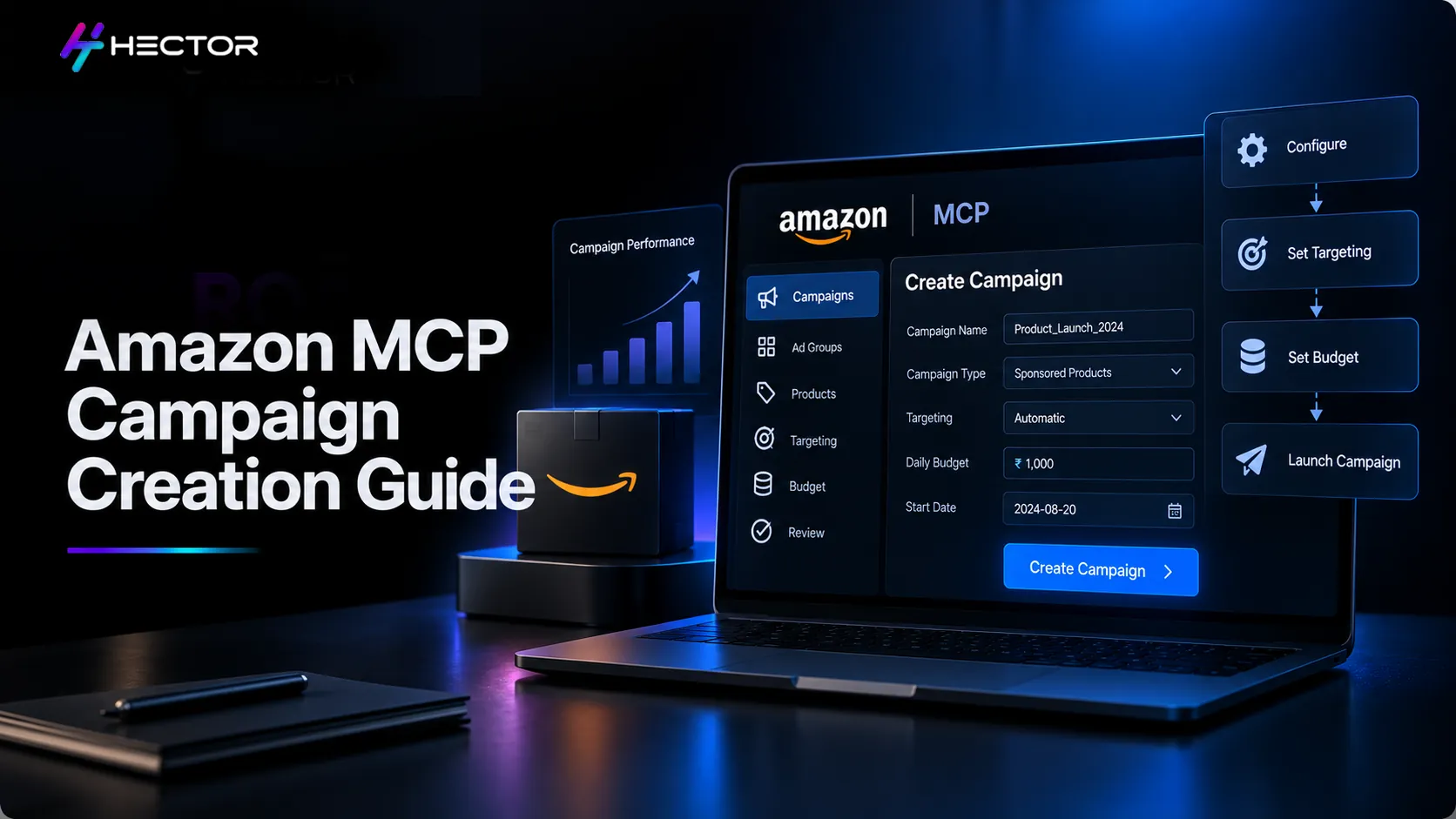
Creating a Sponsored Products campaign manually takes about 15 to 20 minutes if you know what you are doing. You log into Campaign Manager. You create the campaign. You add an ad group inside it. You add the product. You set targeting. You save. You realise you forgot to set the placement modifier. You go back.
That is not a particularly hard process. But when you are launching five campaigns across three ASINs before a promotional event, it is an entirely real way to spend two hours: clicking through the same sequence repeatedly, checking each setting as you go.
Amazon Ads MCP can use a natural-language instruction to initiate an end-to-end Sponsored Products campaign creation workflow. If you want to review the proposed setup before execution, explicitly ask the AI to show the campaign details and wait for confirmation. What previously required three or more separate operations happens in one reviewed workflow.
That time saving is not the most interesting part. The most interesting part is what it means for teams that are not PPC specialists: authorized users can use natural-language instructions through a compatible AI agent to create supported Sponsored Products campaigns without manually navigating each campaign-creation step in Campaign Manager.
What Amazon MCP Actually Does When You Create a Campaign
The Old Way: Three Operations, Three Screens
Creating a Sponsored Products campaign directly through the API can require multiple related operations for campaign entities, ad groups, advertised products, and targeting, depending on the campaign structure. First, you created the campaign and defined its budget and bidding strategy. Second, you created the ad group inside the campaign and set the default bid. Depending on the campaign structure, you create advertised product entities within the ad group and configure the applicable keyword or product targets.
Each step had to succeed before the next could begin. If you were building this programmatically, you would be writing the orchestration logic yourself: handling the sequence, managing the IDs returned at each step, and ensuring each component pointed to the right parent.
The New Way: One Instruction, One Reviewed Package
Amazon built its MCP campaign creation tool as an orchestrated workflow, not a raw API wrapper. When you give it a campaign creation instruction, the workflow can orchestrate the required campaign-creation steps. Users should explicitly request a review of the proposed campaign settings before authorizing execution, where their AI client and workflow support this behavior.
Think of it like placing a catering order. You don't specify each dish, the order it should be prepared, the plating sequence, or the timing. You say: "I need a lunch for 12 people, Mediterranean theme, $20 per head, ready at noon." The caterer handles the sequence. You review the menu before confirming.
That is what the Amazon MCP campaign creation tool does. You describe the desired campaign in natural language, and the MCP workflow can coordinate the corresponding Amazon Ads API operations. For additional control, ask the AI to present the proposed settings and wait for confirmation before execution.
A single prompt replaces 15-20 minutes of manual Campaign Manager setup (Amazon Ads official announcement, February 2026). The time difference is significant. The orchestrated workflow can reduce repetitive manual setup, but advertisers should still validate campaign settings before execution.
The Three Sponsored Products Campaign Structures MCP Supports
Auto Campaigns: Let Amazon Find the Searches
With Sponsored Products automatic targeting, Amazon matches your ads to relevant shopping queries and products based on information about your advertised product. With automatic targeting, Amazon automatically matches your ads to relevant shopping queries and products. Advertisers can set bids and can also manage bids across automatic targeting groups.
Auto campaigns are most useful when you are launching a new product and do not yet have search term data to guide manual targeting. They generate the search term report that tells you which queries are converting, which you then harvest into manual campaigns.
Exact Match Campaigns: Target What You Already Know Converts
An exact match campaign shows your ad only when a shopper's search query is an exact match (or close variation) of a keyword you specify. Exact match provides tighter control over which shopper queries can match a keyword, but performance and ACoS depend on bids, competition, conversion rate, product relevance, and other factors.
Exact-match keyword targeting can be useful when advertisers have identified relevant keywords they want to target precisely, whether from historical search-term data, keyword research, or other sources.
Broad Match Campaigns: Cast a Wider Net With Discipline
Broad match provides the widest keyword match coverage and can match shopper queries containing variations, related terms, synonyms, and other relevant variations of the keyword. It reaches more searches than an exact match but requires active negative keyword management to prevent budget waste on irrelevant terms.
Broad match is the least restrictive keyword match type within manual keyword targeting. Automatic targeting is a separate Sponsored Products targeting method. They are useful for growing markets, seasonal events, or categories where purchase language is not yet fully mapped.
The inputs required to create a Sponsored Products campaign depend on the targeting and campaign structure requested. The AI agent may request additional information when required inputs are missing. Having them ready before you start prevents the AI from having to ask follow-up questions mid-prompt. These prompts are written to include all five inputs and a confirmation step. Adjust the ASIN, budget, bid, and keywords to match your account before using. The AI's review package will show you the full campaign structure. Here is a checklist of what to verify before typing 'confirm': Amazon Ads MCP Server connects AI agents to Amazon Ads API functionality and can support both analytical and execution-oriented advertising workflows. Strategic decisions should still incorporate advertiser objectives and business context. Four decisions come from you before the AI can create a campaign that is actually worth running. Which ASIN to advertise: The AI may not have access to all product-readiness information required to determine whether an ASIN should be advertised. Review factors such as listing quality, ratings, inventory, pricing, and business objectives separately. Product readiness is a human decision. What bid to set relative to your margin: The AI can accept a bid you give it. Amazon Ads MCP should not be assumed to have access to proprietary business inputs such as product costs, margins, or your internally calculated break-even ACoS unless those inputs are provided through another connected system. Bid decisions require margin context that the AI does not have. Which keywords to target: The AI can suggest keywords based on the product or generate them from your listing content. Historical search-term performance may be available through Amazon Ads reporting capabilities. Use available performance data when selecting or evaluating keywords rather than relying solely on AI-generated suggestions. Your search term report data is the most valuable input here. When to pause or scale: Once the campaign is live, performance decisions: when to pause a keyword, when to increase a bid, when to add negatives: require data the AI can pull, but judgement you must apply. Platforms like Hector Ai can automate these ongoing decisions through rule-based automation, but the rules still need to be set by someone who understands the business. Campaign creation is the beginning, not the end. Think of it like planting a seed: the planting takes minutes; the growing takes weeks, and the tending determines whether it produces anything useful.Before You Type Anything: The Five Inputs You Need Ready
For keyword-targeted campaigns (exact or broad), you will also need a keyword list. If supported by the connected tools or AI client, you can ask for keyword suggestions. Review suggested keywords before using them as campaign targets. The cleaner the inputs, the cleaner the output the AI prepares.Creating a Campaign With Amazon MCP: The Complete Walkthrough
Copy-Ready Campaign Creation Prompts
What to Review Before You Confirm the Launch
What MCP Cannot Decide for You?
What to Do After Launch
Through Amazon MCP, you can run the post-launch review as a natural language query: "Show me the search term report for campaign SP-Auto-BlenderV2-US for the last 14 days, sorted by spend, with conversion rate for each term." The async reporting window means you will wait 10-30 minutes for the result, but the data comes back structured and ready to act on.