

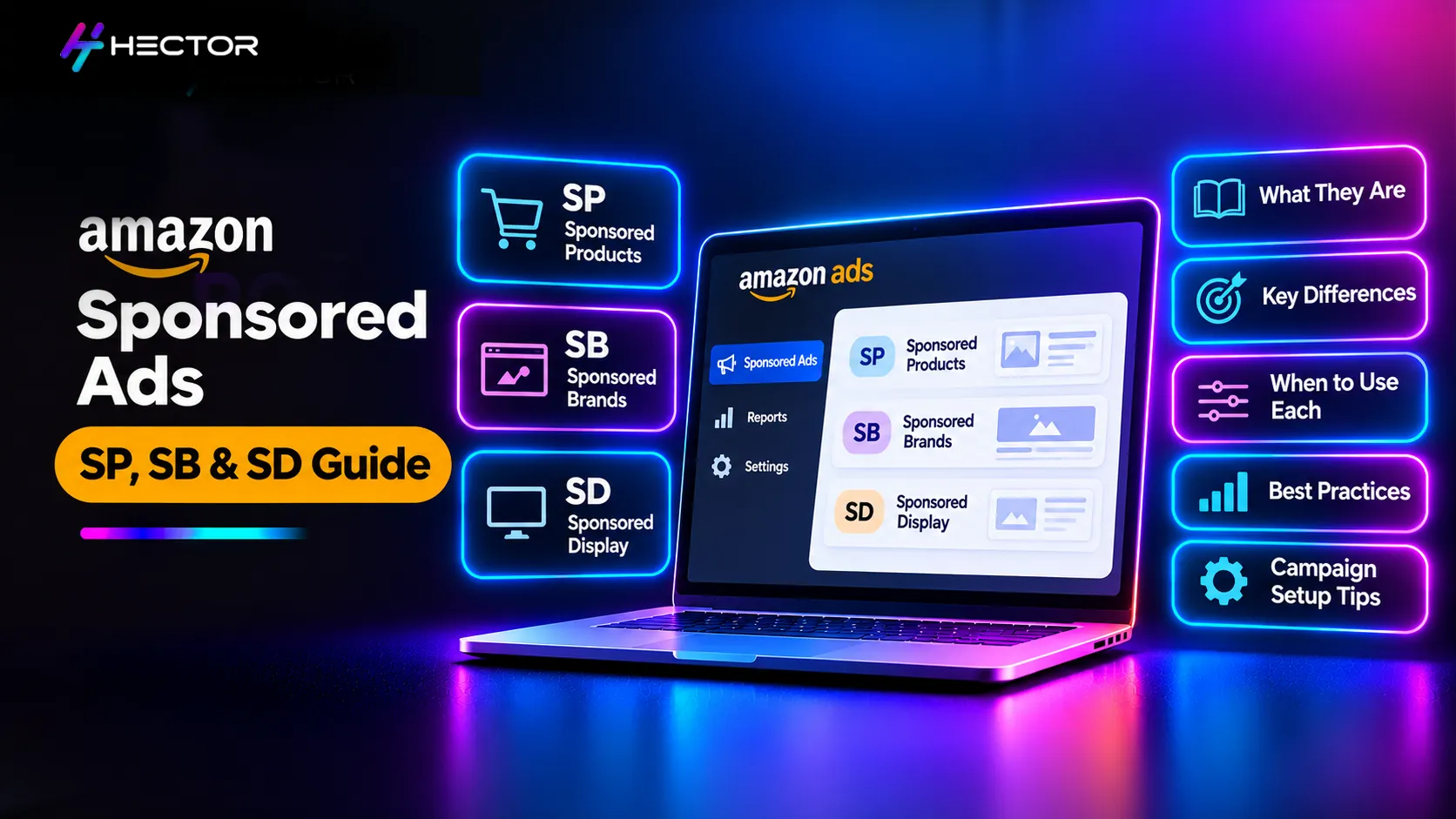
You list a product on Amazon. You optimise the title, add seven quality images, write a detailed description, and price it competitively. Then you search for your product. Depending on the query and ad placements, several sponsored listings may appear before the first organic result.
This is the current reality of selling on Amazon. The search results page has changed dramatically over the last five years. Paid placements now occupy most of the visible space on the first page across most competitive categories. Organic ranking still matters, but it no longer tells the whole story.
Amazon Sponsored Ads are how sellers close that gap. They are the platform's paid advertising system, built directly into the shopping experience, and designed to put products in front of buyers at the exact moment they are looking. If you sell on Amazon and have not yet explored how the ad system works, this guide is the starting point.
This article covers all three Sponsored Ad types, SP, SB, and SD, in plain English: what each one does, where it appears, how targeting works, and which one makes sense at different stages of a business.
Why Amazon Advertising Is No Longer Optional
Amazon's advertising business is now one of the largest in the world. In 2025, Amazon reported $68.6 billion in advertising revenue, up approximately 22% from $56.2 billion in 2024, according to its official annual report. This growth reflects the scale of Amazon's advertising ecosystem and the competition for shopper attention across its marketplace and other advertising channels.
The practical effect for sellers is straightforward. More competition means more advertisers bidding on the same keywords. More bidding means higher cost-per-click in competitive categories. And more paid placements at the top of search results means fewer organic positions visible before a shopper has to scroll.
Running ads on Amazon does not guarantee results. But understanding how the ad system works, and making deliberate choices about which formats to use and when, is now a basic operating requirement for any brand that wants to grow on the platform.
How the Amazon Ad Auction Works
Before getting into the specific formats, it helps to understand the mechanism that determines which ad appears where. Amazon uses a real-time auction that runs in milliseconds every time a shopper searches or loads a page. Multiple advertisers compete for each available placement, resulting in a ranked outcome based on two inputs.
Think of it like a silent auction for a single seat in a concert venue. You write your maximum bid on a slip of paper. Everyone else does the same. The highest bid wins the seat. But Amazon's auction has a second factor: the quality of your listing (which Amazon calls the quality score). A listing with strong images, many reviews, and a healthy conversion history is more likely to convert a click into a sale, so Amazon gives it a higher quality score and ranks it above lower-quality listings even when the bid is similar.
The amount you actually pay is called the cost-per-click (CPC). It is usually lower than your maximum bid. Think of it like a taxi meter that stops running when the next rider gets in: you pay just enough to outbid the next advertiser, not your full maximum.
Two terms you will see constantly in Amazon advertising: ACoS (Advertising Cost of Sale) measures your ad spend as a percentage of the revenue those ads generated. TACoS (Total Advertising Cost of Sale) does the same calculation but against your total revenue, including organic sales. ACoS tells you how efficient a specific campaign is. TACoS tells you how advertising affects the whole account.
Sponsored Products: The Search-Results Format
Sponsored Products are the most common type of Amazon ad and the right starting point for sellers new to the platform. They promote individual product listings and appear directly in search results and on product detail pages. They look almost identical to organic listings, with only a small 'Sponsored' label to distinguish them.
Think of them like the search bar at a shopping centre directory. When a shopper types in what they want, Sponsored Products make sure your product shows up prominently in the answer, positioned right alongside the results the algorithm would have surfaced anyway.
Auto Campaigns vs Manual Campaigns
Every Sponsored Products campaign is set up as either automatic or manual targeting. In an automatic campaign, Amazon selects which search terms trigger your ad based on your product listing content. In a manual campaign, you choose the specific keywords or product ASINs you want to target and set individual bids for each.
For sellers starting out, automatic campaigns are a practical first step. They surface the search terms real shoppers are using to find products like yours, giving you data to build a manual campaign from. Running both in parallel- auto for discovery, manual for control- is the standard structure once you have enough data to know which terms convert.
Where Sponsored Products Appear
Top of search results: The first two or three rows of Amazon search results. The highest-visibility placement on the platform.
Middle and bottom of search results: Interspersed among organic listings throughout the results page.
Product detail pages: Below the main product description on competitor and complementary product pages.
Shopping app home feed: In some placements within the Amazon mobile app browsing experience.
Sponsored Products are available to sellers with active listings on the Amazon marketplace. Brand Registry is not required, which is why they are accessible to new sellers from the first day an account goes live.
Sponsored Brands, the Brand-Building Format
Sponsored Brands are ads that promote a brand rather than a single product. They feature a logo, a custom headline written by the advertiser, and a row of products. Clicking the ad can take a shopper to an Amazon Storefront, a curated landing page, or directly to a product listing, depending on the campaign setup.
The analogy here is a highway billboard rather than a search result. A Sponsored Product is what the shopper finds when they are already looking. A Sponsored Brand is what builds the association between a category and a brand name over time, showing up prominently when someone searches for the product category, even before they have a specific seller in mind.
Sponsored Brands require Brand Registry enrollment. A seller must have a registered trademark and have completed Amazon's Brand Registry process to access this format.
Three Creative Formats Inside Sponsored Brands
Product collection: The most common format. A banner image or logo, a headline, and up to three products displayed side by side. Shoppers who click the banner go to a store or a custom landing page.
Store spotlight: Promotes an Amazon Store with up to three Storefront pages highlighted in the ad. Best for brands with a well-developed Store and multiple product categories.
Sponsored Brands Video: An autoplay video ad that appears in search results. The video must be between 6 and 45 seconds. Clicking takes the shopper to the product detail page for the featured product.
Where Sponsored Brands Appear
Top of search results: The dominant above-the-fold position at the top of the search results page, above all organic and Sponsored Products listings.
Left column of search results: A secondary position on desktop search results pages.
Bottom of search results: An additional placement below all other results.
Sponsored Display, the Audience-Targeting Format
Sponsored Display is Amazon's retargeting and audience-targeting format. Unlike SP and SB, which respond to what a shopper is actively searching for, SD can reach shoppers based on their past behaviour: products they viewed, categories they browsed, or audiences built from Amazon's shopping data.
A useful way to think about it: Sponsored Products are the answer to a question the shopper just asked. Sponsored Display is the reminder on the shelf next to the checkout that says, 'you looked at this earlier and didn't pick it up.' It reaches shoppers who showed interest but didn't convert, following them with a relevant ad both on Amazon and on other websites.
Two Targeting Approaches Inside Sponsored Display
Product and category targeting: Show your ad on the product detail pages of specific ASINs or entire product categories. Useful for reaching shoppers browsing competitor products or complementary items.
Audience targeting: Reach shoppers who viewed your product listing or similar products within a recent window, or audiences defined through Amazon Marketing Cloud for advanced use cases.
Where Sponsored Display Appears
Amazon product detail pages: On competitor and complementary product pages, in the 'related products' and 'customers also viewed' sections.
Amazon search results: In some placements on results pages, particularly on mobile.
External websites and apps: Sponsored Display ads can appear on third-party websites and apps across Amazon's advertising network, helping brands reconnect with shoppers beyond the Amazon store. However, off-Amazon placements are also available for eligible Sponsored Products campaigns, so this capability is not exclusive to Sponsored Display.
Unlike SP and SB, Sponsored Display can also be accessed by vendors and does not always require keyword selection. The bidding model for SD includes both cost-per-click and cost-per-thousand-impressions options, depending on the selected optimisation goal.
SP vs SB vs SD at a Glance
The auto vs manual distinction only applies to Sponsored Products, but it is one of the first decisions every new Amazon advertiser faces, and it is worth getting clear. An automatic campaign works like giving Amazon a map of your product and asking it to decide which roads to put your ad on. Amazon reads your listing, identifies relevant search terms, and places your ad wherever it thinks a match exists. You set a bid and a daily budget, and Amazon handles the rest. This is fast to set up and generates real data about which search terms shoppers are actually using. A manual campaign is the same road, but you choose every turn. You select specific keywords (broad, phrase, or exact match) and set individual bids for each one. You can also target specific competitor ASINs directly. Manual campaigns give you precise control over where your ad appears and how much you pay for each placement. Start with Sponsored Products on automatic targeting. A new product has no advertising performance history to draw on. Sponsored Products campaigns can help generate initial impressions, clicks, and sales, giving you data to evaluate performance and refine your targeting and bids. Auto campaigns cast a wide net and generate the early clicks and conversion data that help both your organic rank and your ad quality score improve. Keep the daily budget modest in the first two weeks. The goal is data, not volume. Once you can see which search terms are driving clicks, move the high-performing ones into a manual SP campaign with tighter bid control. Once your product has a sales history and a handful of reviews, add Sponsored Brands Video if you have Brand Registry. SBV consistently generates higher new-to-brand purchase rates than any other Sponsored format, because the video creative explains the product to shoppers who have not seen it before and earns their attention before they click. At this stage, also look at which competitor product pages your category shoppers visit. Adding Sponsored Display targeting on those ASINs puts your product in front of shoppers who are already looking at alternatives, at the moment they are making a final purchase decision. A mature product with a stable sales velocity and established keyword coverage benefits most from a structured three-campaign architecture: an auto SP campaign still running for ongoing keyword discovery, a manual SP campaign running exact match on your top converters, and a Sponsored Brands campaign defending your brand name against competitor bidding. At this stage, tools that automate bid adjustments based on performance data save significant management time.” to “At this stage, Amazon Ads Optimization tools that automate bid adjustments based on performance data save significant management time. Platforms like Hector Ai apply rule-based automation to adjust SP and SB bids based on ACoS thresholds, freeing campaign managers to focus on strategy rather than bid maintenance.Auto vs Manual Campaigns: The Key Distinction for Beginners
Which Ad Type to Use at Each Stage of Growth
New Product Launch
Growth Phase
Mature and Scaling