

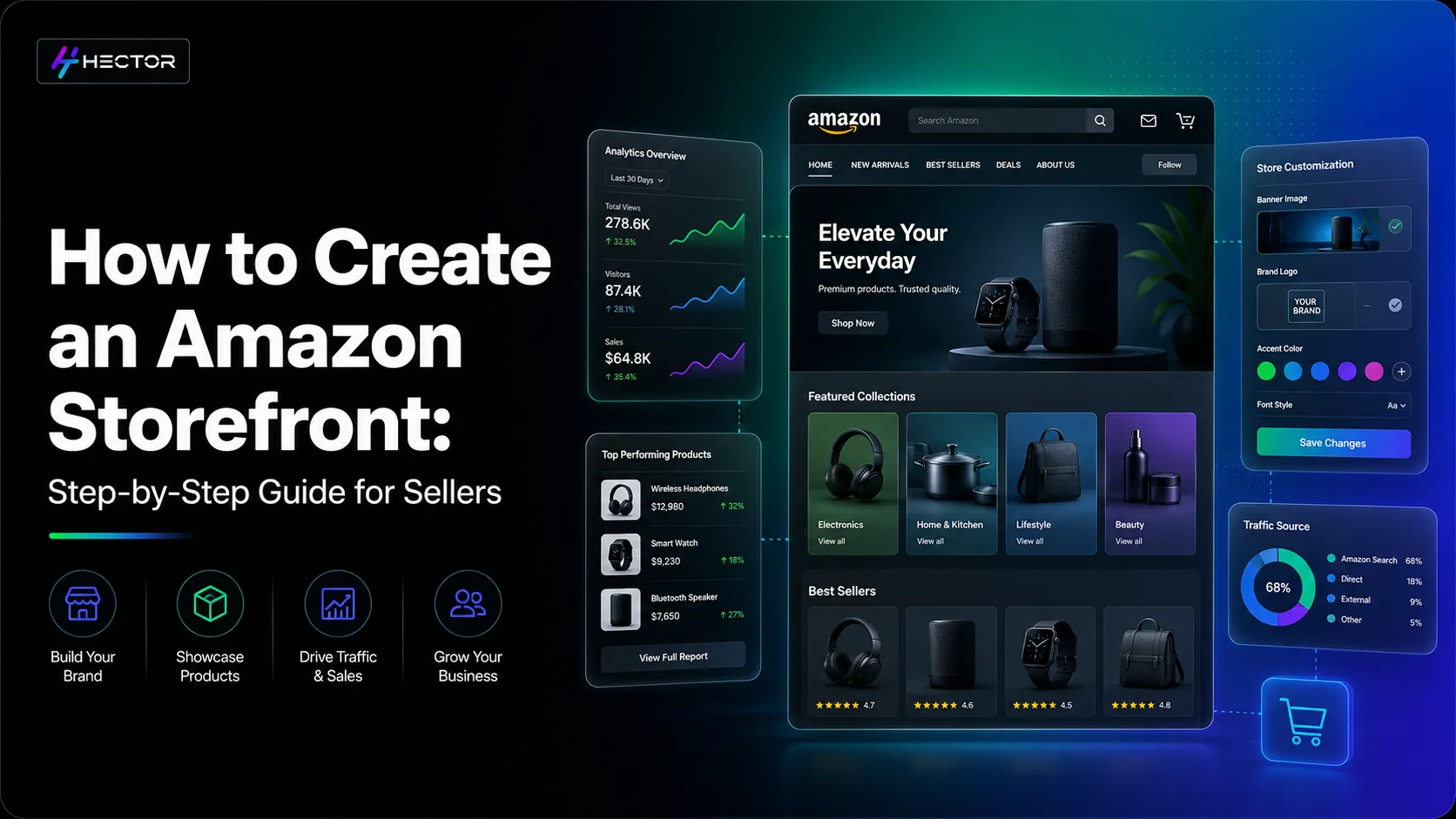
Did you also think nothing is more important than capturing your audience's attention in this digital age? What if you could have your very own branded shop within Amazon, where customers could explore all your product lineup, engage with your story, and shop with zero distractions? Sounds fascinating. Well, that's the exciting thing that Amazon storefront offers. Whether you are an established brand or just getting started, this well-crafted guide is no less than a cheat sheet. This will show you how to create a stunning Amazon Storefront that builds trust and drives serious sales.
What is an Amazon Storefront?
Amazon Storefront (also called Amazon Store) is a customizable, multi-page destination exclusively available to Brand Registered sellers and vendors. It functions like a branded microsite within Amazon, allowing shoppers to engage with your full product ecosystem in a distraction-free environment. In addition, it is your own branded website within Amazon. The storefront offers a curated shopping experience and serves as a centre for your Amazon business.
Why is an Amazon Storefront Important?
Standing out is essential to leave a fine impression on your customers in the competitive landscape. The Amazon Storefront allows you to:
Establish Brand Identity: By customising your store with branded imagery, logos, videos, and consistent messaging, you create a memorable brand experience for shoppers and visitors. This helps distinguish your brand from the sea of similar products on Amazon.
Showcase Your Product Range: The storefront allows you to organise your product listings into navigable sections. Whether you highlight bestsellers, seasonal collections, or product categories, customers can easily browse your offering without clutter.
Drive External Traffic: Amazon provides a unique store URL, which makes it easier to direct traffic from outside Amazon (like email campaigns, social media, or influencer marketing) directly to your branded experience on Amazon.
Improve Customer Engagement: A thoughtfully designed storefront invites shoppers to explore your brand more. Longer browsing times often lead to increased trust and higher conversion rates.
Gain Actionable Insights: With Amazon's built-in analytics tools, you can monitor page views, store traffic, and sales performance. These insights help you understand your customer's journey and refine your content for better results. Check out our guide on Unlocking New-to-Brand Insights in Amazon Marketing Cloud.
Know How Amazon Evaluates Storefront Quality in 2026
Amazon’s algorithm for storefronts has evolved in 2026. While previously your Store’s aesthetic and engagement metrics were key, Amazon now evaluates performance through sales and conversion signals. In other words, Amazon wants to see that your storefront drives real purchases.
Key factors now include:
How effectively your store converts visitors into buyers. Pages that consistently lead to purchases get higher visibility.
Stores that generate more sales for the brand are prioritized in recommendations and search results.
Repeat visits and returning buyers indicate a strong store experience.
A well-organized storefront, where users can quickly find products, is rewarded.
Regularly review your Store Insights, focus on high-performing sections, as well as optimize underperforming pages. Testing different layouts, banners, plus CTAs can make a significant difference.
How effectively your store converts visitors into buyers. Pages that consistently lead to purchases get higher visibility.
Stores that generate more sales for the brand are prioritized in recommendations and search results.
Repeat visits and returning buyers indicate a strong store experience.
A well-organized storefront, where users can quickly find products, is rewarded.
Benefits of Amazon Storefront
Below are some of the compelling reasons to invest time in setting up your Amazon Store:
Dedicated Product Pages: You can create multiple pages tailored to different customer needs, such as "Gifts for Him," "New Arrivals," or "Bestsellers". This enhances the overall shopping experience.
Enhanced Branding: Your storefront acts as a branded destination that reflects your values, identity, and product story. This helps establish deeper trust and emotional connection with your audience.
No Competitor Ads: One significant advantage of a Storefront is that it eliminates distractions from competitors, allowing you to capture and retain customer attention more effectively.
Strong Advertising Performance: Sponsored Brands ads can be linked directly to your Amazon Storefront, offering a more captivating post-click experience that often leads to better campaign performance.
Higher Conversion Rates: The user-friendly and well-structured layout encourages potential customers to explore more products, often leading to increased cart value and improved conversion rates.
Consistent Customer Experience: Amazon Storefront ensures customers have a consistent experience across all your product offerings, which builds brand recognition and loyalty over time.
SEO & Organic Discovery: Well-strcutured Storefronts with external backlinks can appear in the Google Search, offering potential of organic discovery.
How A+ Shoppable Collections Enhance Your Storefront
Amazon has launched A+ Shoppable Collections, which enables you to boost interactivity and commercialization for your Storefront. By using this feature, you can design dynamic and interactive modules where customers can shop from your most featured products within each product story. Unlike other images, each component of your shoppable collection may be linked to each product individually.
Benefits of A+ Shoppable Collections:
Interactive Browsing: Customers can view various products without exiting the store.
Improved Engagement: Carousels, videos, as well as clickables all contribute to increased ‘time on page.
Increased Conversions: Directly linking story elements to product pages removes any impedance to the sales path.
Seasonal & Campaign Flexibility: Showcase special products, offers, or arrivals in eye-catching layouts.
Brand consistency and concise storytelling per collection are necessary. Try various layouts to see which mix of image, product placement, as well as CTAs gives the best results.
Who Can Create an Amazon Storefront?A particular criterion needs to be fulfilled to create an Amazon Storefront; you must:
Be enrolled in the Amazon Brand Registry.
Sell on Amazon as a professional seller or as a vendor.
The brand registry helps protect your brand and gives access to advanced tools like A+ content and the Amazon Storefront.
Updated Eligibility Requirements in 2026
Additional nuances have been introduced by Amazon in 2026 regarding store eligibility, focusing on active and credible brands.
Here’s what you need:
Amazon Brand Registry Enrollment: The trademarks must be valid in an Amazon-approved region.
Professional Seller or Vendor Account: Only professional sellers and vendors are qualified to participate.
Active ASIN Count: In certain categories, a minimum number of active SKUs is now required for opening a store.
Sales History & Compliance: Amazon could require examining the sales history or compliance while approving a store.
Consistent Brand Identity: Ensure that the storefront is consistent with your registered brand, which may include logos and packaging.
Before beginning, make sure all your images, products, along with your brand have conformed to Amazon’s guidelines. Keeping all your assets ready beforehand would help in quicker approval, thereby reducing rejection.
Amazon Brand Registry Enrollment: The trademarks must be valid in an Amazon-approved region.
Professional Seller or Vendor Account: Only professional sellers and vendors are qualified to participate.
Active ASIN Count: In certain categories, a minimum number of active SKUs is now required for opening a store.
Sales History & Compliance: Amazon could require examining the sales history or compliance while approving a store.
Consistent Brand Identity: Ensure that the storefront is consistent with your registered brand, which may include logos and packaging.
Steps to Create an Amazon Storefront
Creating an Amazon storefront may sound daunting, but Amazon has made the process easier with a drag-and-drop interface. Here are the steps you could follow to create the storefront:
Step 1: Register Your Brand
Before anything else, you must be part of the Amazon Brand Registry. To enroll:
Head on to brandservices.amazon.com
To register, your brand must have an active registered trademark in one of Amazon’s accepted regions. Once verified, you’ll get access to Brand Registry tools, including Stores.
Once approved, you will gain access to the Storefront creation tool.
Step 2: Access Amazon Stores
Log in to Seller Central or Vendor Central.
Navigate to Stores > Manage Stores.
Click on "Create Store" next to your registered brand.
Step 3: Choose Your Template
Amazon provides you with multiple layout options, including:
Product Grid: Ideal for showcasing multiple SKUs.
Marquee: Great for brand storytelling and visual impact.
Highlight: Perfect for featured collections or seasonal campaigns.
Pick a template that aligns with your product range and branding goals.
Step 4: Add Pages and Content
You can build multiple pages like home, about us, best sellers, categories, etc. For each page, you can:
Add images, videos, text blocks, product tiles, and banners.
Use Amazon's widgets to link directly to products and categories.
Make sure your visuals and messaging are aligned with your brand identity.
Step 5: Preview Your Store
Before submitting, use the preview mode to see how your store looks on desktop and mobile. This helps you catch design flaws or content issues.
Step 6: Submit for Review
Once you are satisfied with the design aspects of the Storefront, submit your store for Amazon's review. The review usually takes up to 72 hours, but it may vary based on volume and compliance. If your store meets Amazon product guidelines, it will go live with a unique URL.
Step 7: Promote Your Store
After publishing, drive traffic to your Storefront:
Promote your Store URL via email, blogs, or social media platforms.
Analyse performance using Store Insights to refine your content strategy.
Use Sponsored Brands Ads to direct traffic to specific pages.
Tips for a High-Converting Amazon Storefront
Use High-Quality Visuals: Clear, branded imagery improves trust and conversions.
Tell a Story: Share your brand mission, values, or journey.
Organise Thoughtfully: Group products into logical categories for each navigation.
Update Regularly: Keep your content fresh with seasonal promotions, new arrivals, season-based products, and bestsellers.
Include CTAs: Encourage actions like "Shop Now", "Explore Collection", or "Learn More".
Common Mistakes You Must Avoid
Neglecting Mobile Optimisation: Ensure your store looks good and functions well on mobile.
Not Leveraging All Widgets: Use product tiles, shoppable images, and video modules to enhance engagement.
Using Low-Resolution Images: Poor visuals can turn customers away. Ensure that your images are captivating and unblurred.
Forgetting to Track Performance: Use Store Insights to make data-driven improvements.
Final Thoughts
An Amazon Storefront is more than just a collection of product listings; it's literally your brand's home on one of the world's largest marketplaces. It gives you the space to connect with your Amazon audience, showcase your values, and drive more meaningful interactions. With the right approach, a well-optimised Storefront can significantly enhance customer experience.
So, if you haven't created your Storefront yet, now is the perfect time to kickstart. Use this guide as your roadmap and give your brand a powerful presence on Amazon.