

You open the Flipkart Seller Hub for the first time and click on Ads. The options in front of you include PLA, PCA, SmartROI, and something about Display campaigns. You have heard some sellers mention sponsored ads. Someone on a forum called them PBA. A YouTube video said to try the banner. You are not sure whether these are all different things or whether some of them are the same thing under different names.
They are not all the same. But some of them are. And that distinction matters more than it seems, because choosing the wrong format for your goal is one of the quietest ways to waste budget on Flipkart. Not because the ads do not work: they do, but because each format is built for a different moment in the buyer's journey, and using a browsing-intent format to capture search-intent buyers produces weak results every time.
This article breaks down all five Flipkart ad formats in plain language: what each one is, where it appears, who it is for, and when to use it. It also clears up the naming confusion that trips up almost every new Flipkart advertiser.
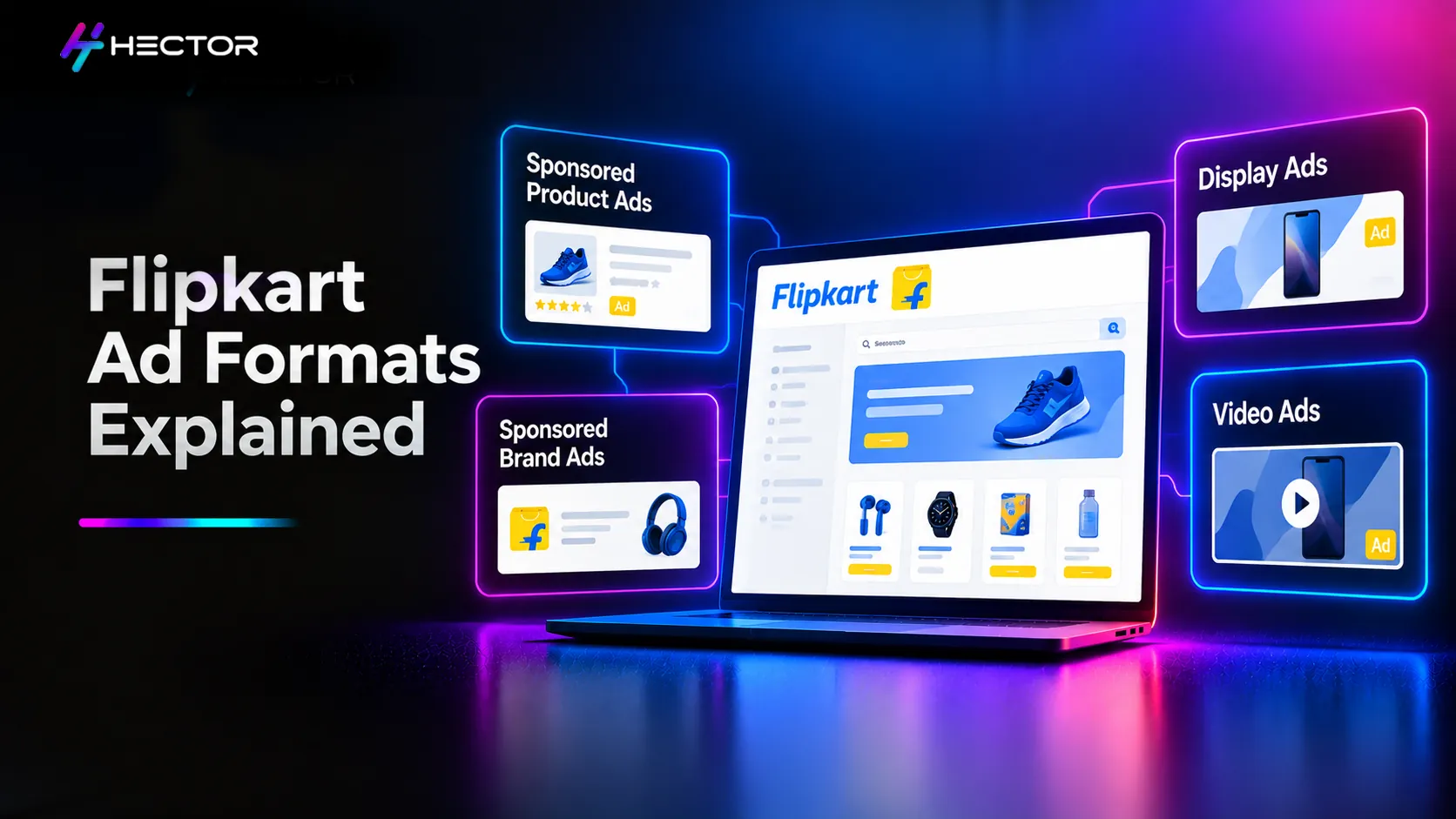
Imagine a newspaper stand near a busy train station. Commuters rushing past will grab a headline that immediately answers what they are looking for. Shoppers browsing the stand with time to spare will pick up something that catches their eye differently: a bold cover, an interesting image, or a topic they were not actively looking for but are now curious about. Flipkart's ad ecosystem works the same way. Some shoppers arrive with a clear intent: they type "running shoes men size 9" into the search bar and want to see the best options. Other shoppers are browsing a product page, scrolling through recommendations, or swiping through a category feed without a specific item in mind. The ad formats that perform best for each group differ because shoppers' mindsets differ. Product Listing Ads are the most widely used format on Flipkart and the starting point for almost every advertiser. When a shopper types a search term, PLA campaigns compete in a real-time auction to place your product at the top of those results. They look nearly identical to organic listings: same image, title, price, and star rating, with only a small 'Sponsored' label to distinguish them. The format runs on a cost-per-click model. You set a keyword bid and a daily budget. When Flipkart determines your ad wins an auction, it shows. You pay when the shopper clicks. If no click happens, you pay nothing. The auction weighs your bid against your listing's quality score: so a listing with strong reviews, good images, and a healthy conversion history will often outperform a higher bid from a weaker listing. Product Contextual Ads work differently from PLA. Instead of targeting search keywords, PCA targets shoppers based on their browsing context: the product page they are currently viewing, their recent browsing history, and the section of Flipkart they are in. PCA placements appear in recommendation widgets, related-product sections, and browsing feeds rather than in the search results column. Think of it like a cinema billboard positioned in the lobby rather than at the entrance. The shopper at the entrance knows exactly what film they want to see. The shopper in the lobby is already engaged, open to suggestion, and potentially interested in something adjacent to what they came for. PCA reaches that second shopper: the one who is browsing rather than searching, with a rich media format that can showcase multiple products together. SmartROI is not a separate ad placement type: it is an automated version of PLA. Instead of manually setting keyword bids, you set a target return on investment and let Flipkart's machine learning manage bids across auctions to hit that target. SmartROI uses your total budget rather than a daily budget and is available only to sellers (not vendors). The platform offers five product selection options in SmartROI: ROI Booster (your best-selling products), New Listing Visibility (recently launched products), Move Slow Inventory (low-turnover stock), Beat Competition (high-potential listings), and Custom Selection (you manually select the products). SmartROI performs best when the product already has enough sales history for the algorithm to learn from. For brand-new listings with no data, starting with a manual PLA campaign first produces more predictable results, Amazon sellers can follow the same approach with Amazon Sponsored Ads, starting with manual campaigns before moving to automation. Display Ads are full-width banner placements that appear on the Flipkart homepage, category pages, and across the Flipkart app. They are visually prominent, above-the-fold positions designed for brand visibility rather than direct-response sales. A Display Ad greets every shopper who opens the Flipkart app or visits a particular category, regardless of what they are searching for. Unlike PLA and PCA, Display Ads require a pre-made creative: you upload an image or video in Flipkart's specified dimensions, and it goes through a review and approval process before going live. Display campaigns are not always available to all sellers and often require minimum spend commitments. They are best suited to product launches, seasonal campaigns, and Big Billion Days pushes rather than everyday performance campaigns, On Amazon, similar programmatic display reach is available through Amazon DSP. Brand Shelf is a dedicated section within Flipkart where registered brands can curate their entire product portfolio, brand story, and seasonal collections in one place. When a shopper visits the Brand Shelf, they see the brand's products displayed together, rather than a mixed search result with competitor products interspersed. Brand Shelf is available only to sellers enrolled in Flipkart's brand protection or brand registry programme. If you have not registered your brand on Flipkart, this format is not accessible. For registered brands building long-term category presence, Brand Shelf complements PLA and PCA campaigns by providing shoppers already interested in the brand with a curated destination to explore the full range. Yes. On Flipkart, PLA and Sponsored Ads are the same format. Flipkart's official name for its keyword-targeted search ads is Product Listing Ads (PLA). The 'Sponsored' label you see on individual listings in search results is simply how the ad appears to the shopper; it does not refer to a separate campaign type. When a seller says they are running sponsored ads on Flipkart, they are running PLA campaigns. The confusion comes from terminology borrowed from Amazon, where 'Sponsored Products' and 'Sponsored Brands' are distinct, named formats. On Flipkart, the system works differently. The sponsored label on search results is the output of a PLA campaign, not the name of a separate format. Product Contextual Ads (PCA) and Product Boost Ads (PBA) are the same format. PCA is Flipkart's official name for contextual, recommendation-section ad placements. PBA is the term that appears in many seller forums, third-party guides, and older platform documentation. When you open your Seller Hub today, you will see the format labelled as PCA. If you see PBA mentioned anywhere, it refers to the same thing. Some sellers search for "Flipkart Google Ads" expecting to find a way to run Google ads that direct to their Flipkart listings, or a combined platform. To be clear: Flipkart Ads and Google Ads are entirely separate advertising platforms. They have separate accounts, separate billing, separate campaign management, and no shared data. Flipkart Ads are run through seller.flipkart.com or advertising.flipkart.com. They place ads within Flipkart's app and on its website, reaching Flipkart's shopper base. Google Ads are run through ads.google.com. They place ads across Google Search, YouTube, and the Google Display Network. They can, in principle, send traffic to any destination, including a Flipkart product listing, but this is a separate and more advanced strategy that operates outside Flipkart's own ad system. If you are a seller asking where to start, the answer is Flipkart Ads through your Seller Hub, not Google Ads. For sellers managing campaigns across Flipkart, Amazon India, and other Indian marketplaces, a unified dashboard significantly simplifies reporting and bid management. Platforms like Hector Ai bring Flipkart and Amazon campaign performance into a single view, so teams can make allocation decisions without switching between separate interfaces, On the Amazon side, Hector also offers Amazon Ads Optimization with rule-based automation for bids, budgets, and keyword harvesting. Why Format Choice Matters Before You Spend a Rupee
When the majority of visible positions on the first page are paid, understanding which format earns which position, and which buyer mindset each position captures, is the foundation of any effective Flipkart ad strategy.The Five Flipkart Ad Formats
Product Listing Ads (PLA): the Search-Intent Format
Product Contextual Ads (PCA): the Browsing-Intent Format
SmartROI Campaigns: the Automated Format
Display Ads: the Brand-Awareness Format
Brand Shelf: the Brand-Showcase Format
The Naming Confusion Cleared Up
PLA vs Sponsored Ads: Are They the Same?
PCA vs PBA: Same Thing, Two Names
Which Format to Use for Which Goal
The practical starting point for most sellers is PLA first. It captures the clearest purchase intent, provides the most actionable data through search term reports, and offers the most direct line between ad spend and attributed sales. Add PCA once you have PLA working. Layer Display Ads and Brand Shelf if and when your objectives expand toward brand-level visibility.Flipkart Ads vs Google Ads: Not the Same Platform